Open-world survival
Explore world layouts with biomes, places and traversal routes.
World design platform · Open alpha
Turn your world design into a reusable map template. Define biomes, places, roads and constraints, then generate and explore map blueprints in the browser.
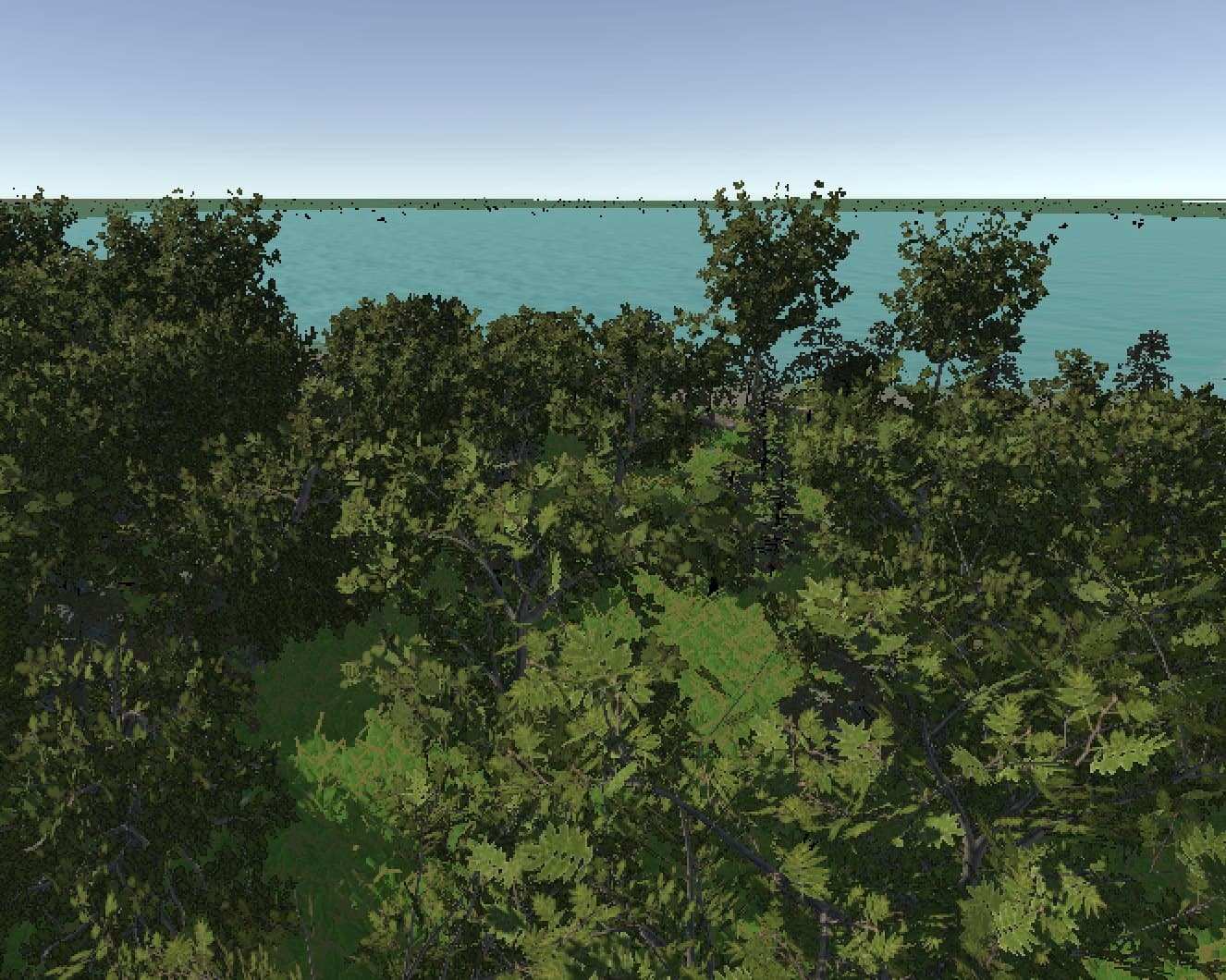
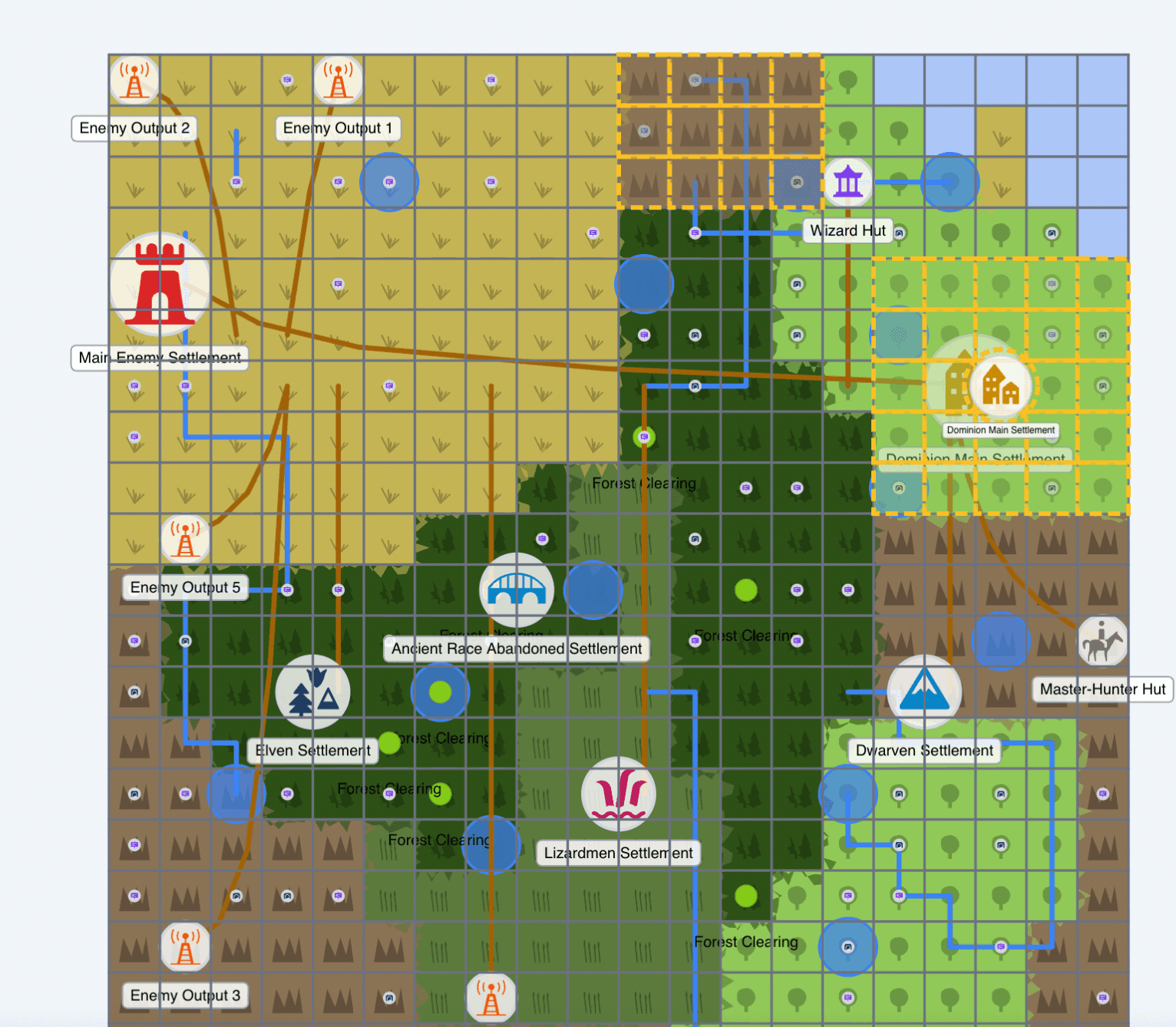
Separate examples, not a matched map and 3D render. Unity integration is still in development.
How it works
A map template holds your world design. Generate different map blueprints, inspect the result and refine the template. Validation and generation failures tell you when settings need attention.
Start manually or with AI-assisted authoring. Configure biomes, places, roads and constraints, then save a reusable template.
Use a seed to generate a map blueprint. Inspect it in the browser and export through the existing generation tools. The same seed, template version and generator version reproduce the same result.
Give map data meaning through your game's assets and rules. Unity SDK delivery is paused pending the terrain planner; runtime API access is not generally available yet.
Pseudo-maps
A pseudo-map describes the world layout: its biomes, places, connections and other configured features. It does not store every tree, rock or rendered terrain vertex.
Design the map's structure in a template. The map blueprint and your game's rendering remain separate responsibilities.
Your game can use that structure to choose assets and gameplay rules. A forest biome can represent your forest textures, trees and ambience. The Unity illustration shows the integration direction, not a ready runtime service.
Design approach
A template captures the structure you want to explore across generated maps.
Built for
Use your own names, biomes and entities. MapGenerator keeps game-specific content in your templates.
Explore world layouts with biomes, places and traversal routes.
Describe the regions and connections your game needs.
Configure settlements, ruins and other places from your own setting.
Generate map variants from a reusable design.
Unity SDK · In development
The Unity integration is intended to connect map blueprints with your textures, prefabs and terrain rules. The supplied scene demonstrates that direction. It is not a matched render of the nearby example map.
SDK work is paused pending terrain planner delivery. Runtime API access is not generally available yet.
Create a reusable template, generate a map blueprint and refine your design.